Why Lamina
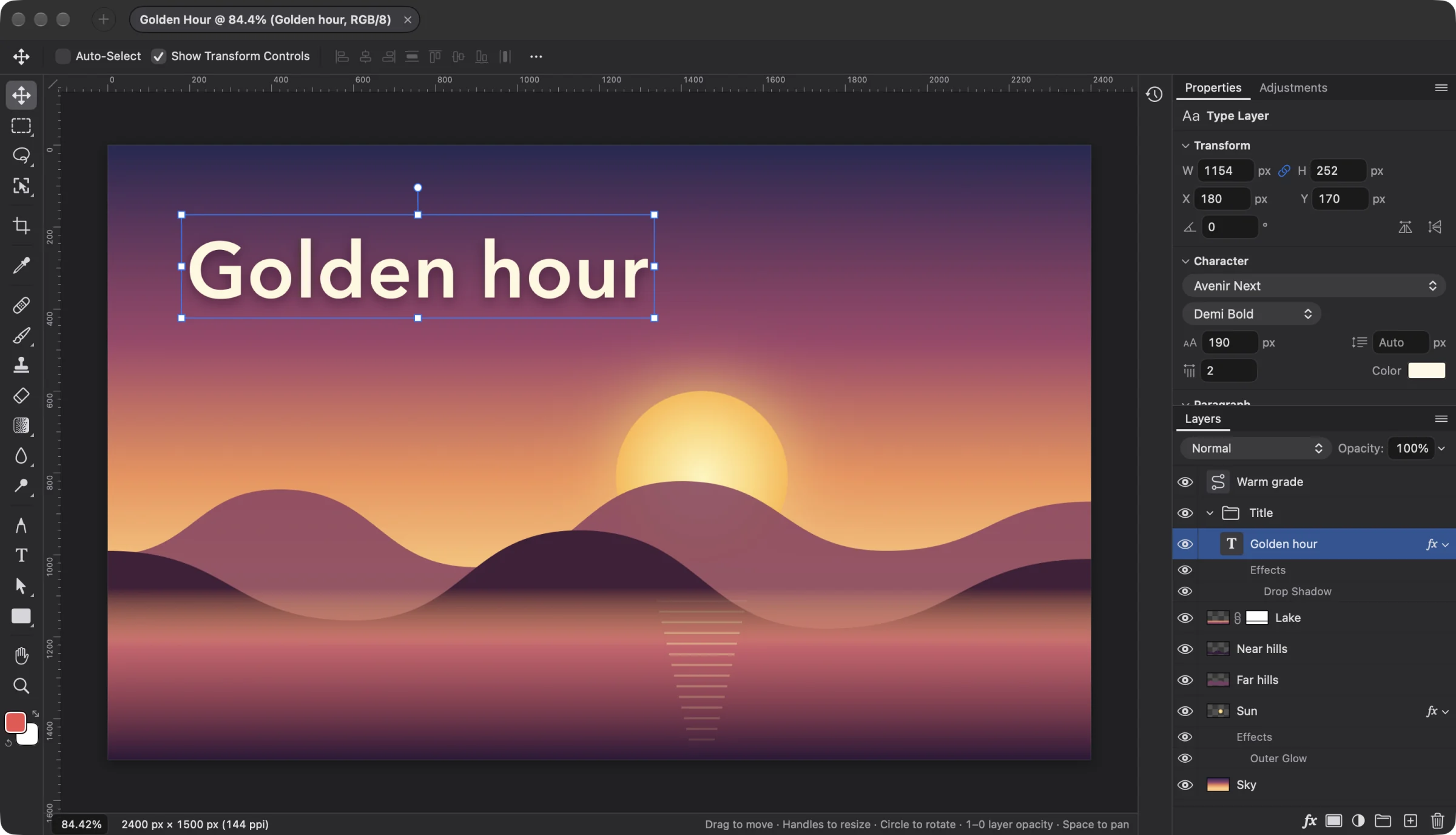
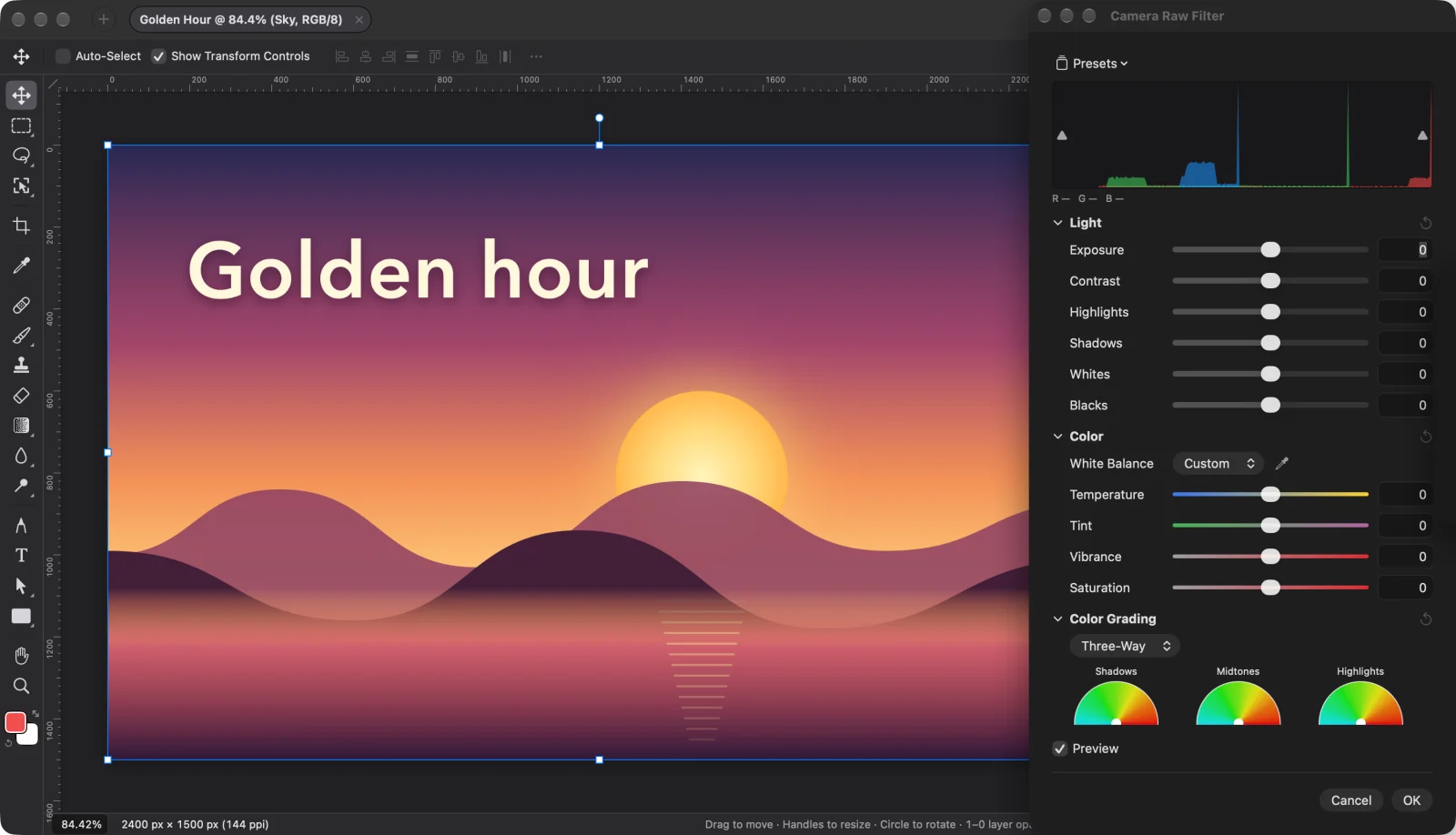
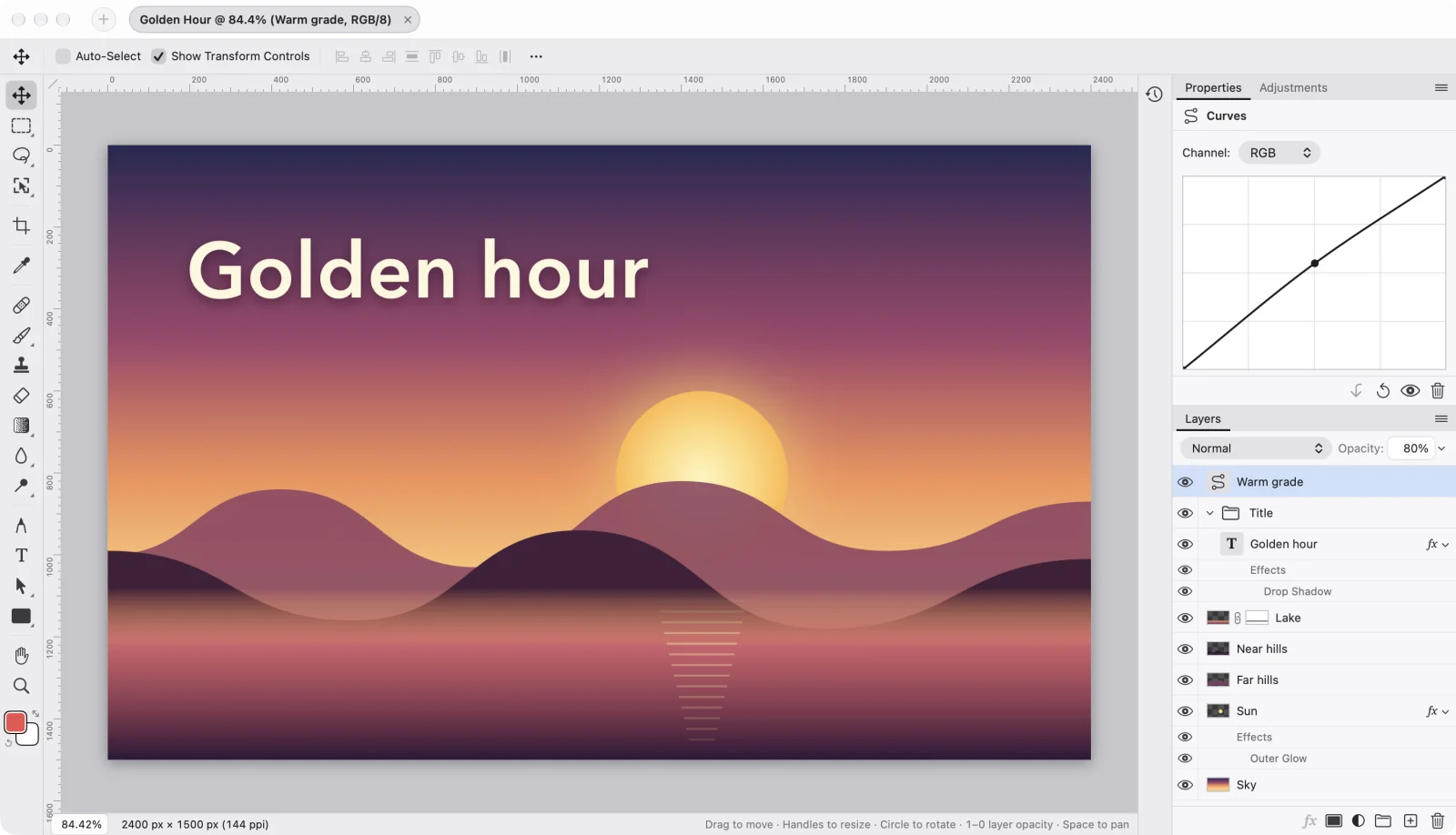
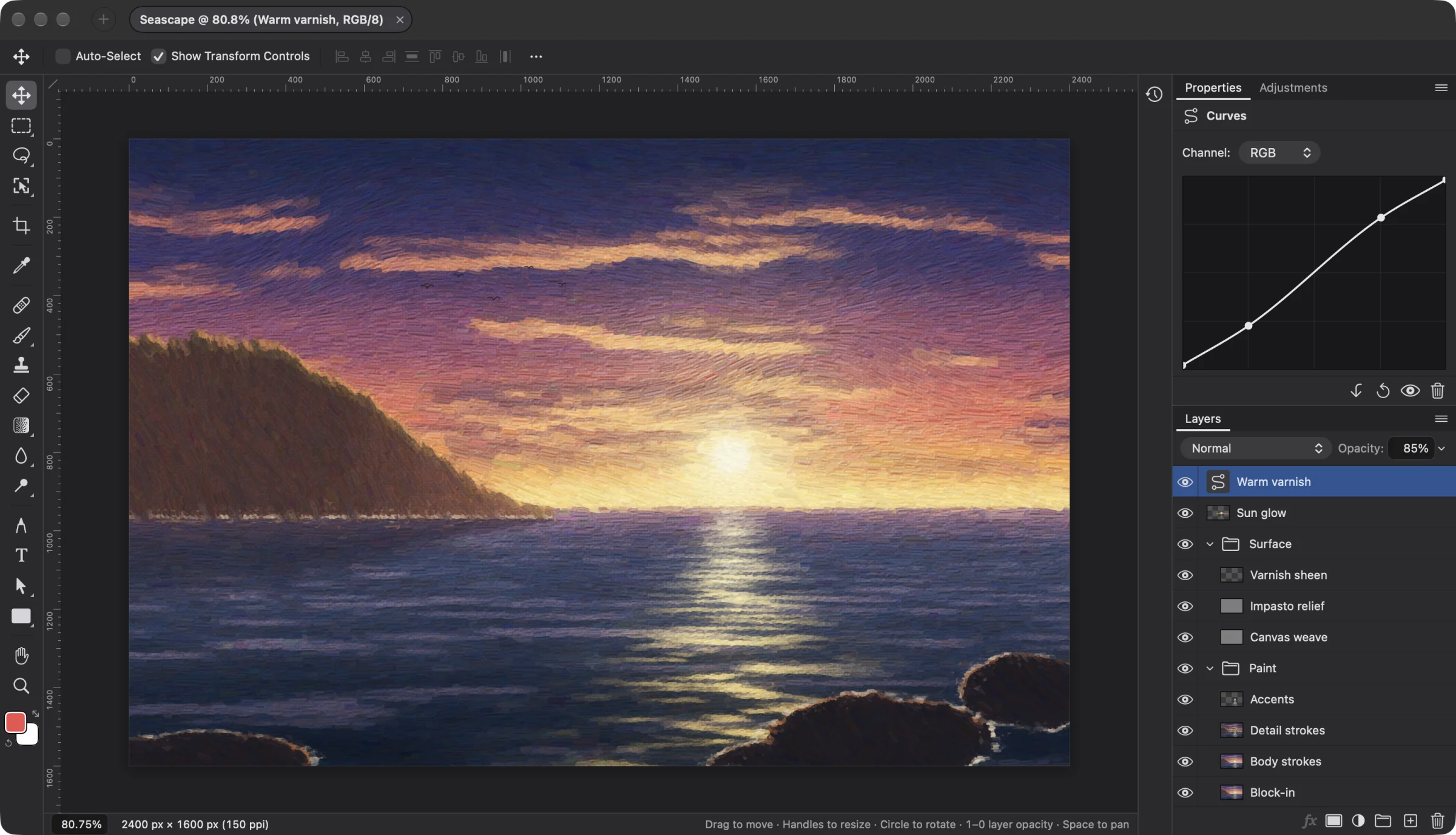
Retouch a photo, cut something out, put a few layers together, add some text, export. That is most of what I open an image editor for, so Lamina keeps those tools, laid out the way you already know, in a native Mac app under 50 MB.
Projects are plain folders of PNG layers and a manifest, so nothing is locked in, and AI agents can work on them too. Vector layers are next.
- Layers, masks and adjustment layers
- Camera Raw, brushes, healing and text
- A familiar layout and shortcuts
- Plain project folders, no lock-in
- Agents via the command line or MCP
- No subscription, no account
Javi, author of Lamina