Javi AguilarCode editorEditor

QuickEdit

Quick, safe edits for code and text files

Version0.3.0Oct 14, 2026
PriceFreeNo sign-up
LicenseMITOpen source
RequiresmacOS 26Apple silicon
CategoryDeveloper tools
About QuickEdit

Open a file, change what you need and close it. QuickEdit saves files byte for byte as they came in, except what you changed.

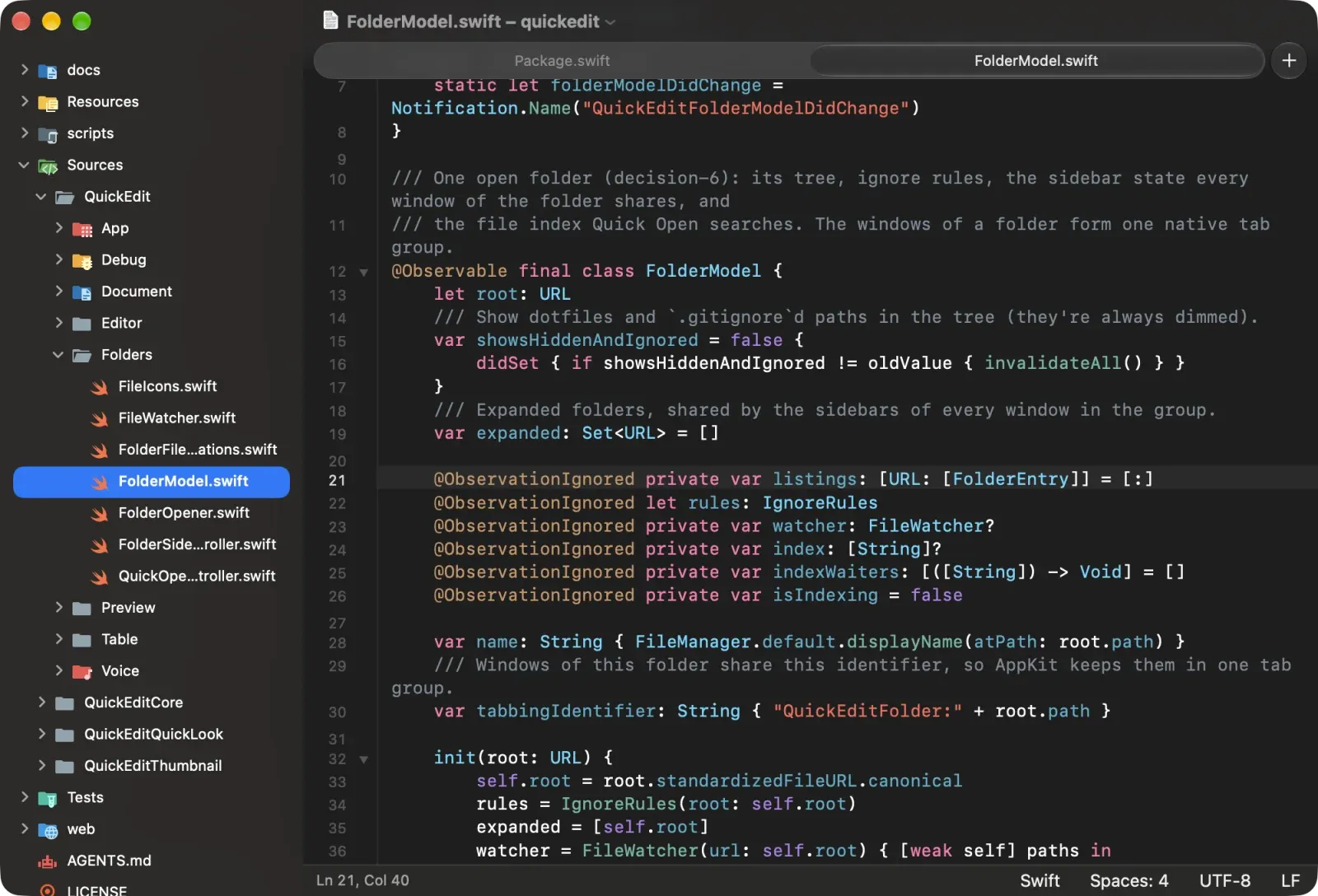
  • Files as tabs and folders with a file tree, Quick Open and file icons.
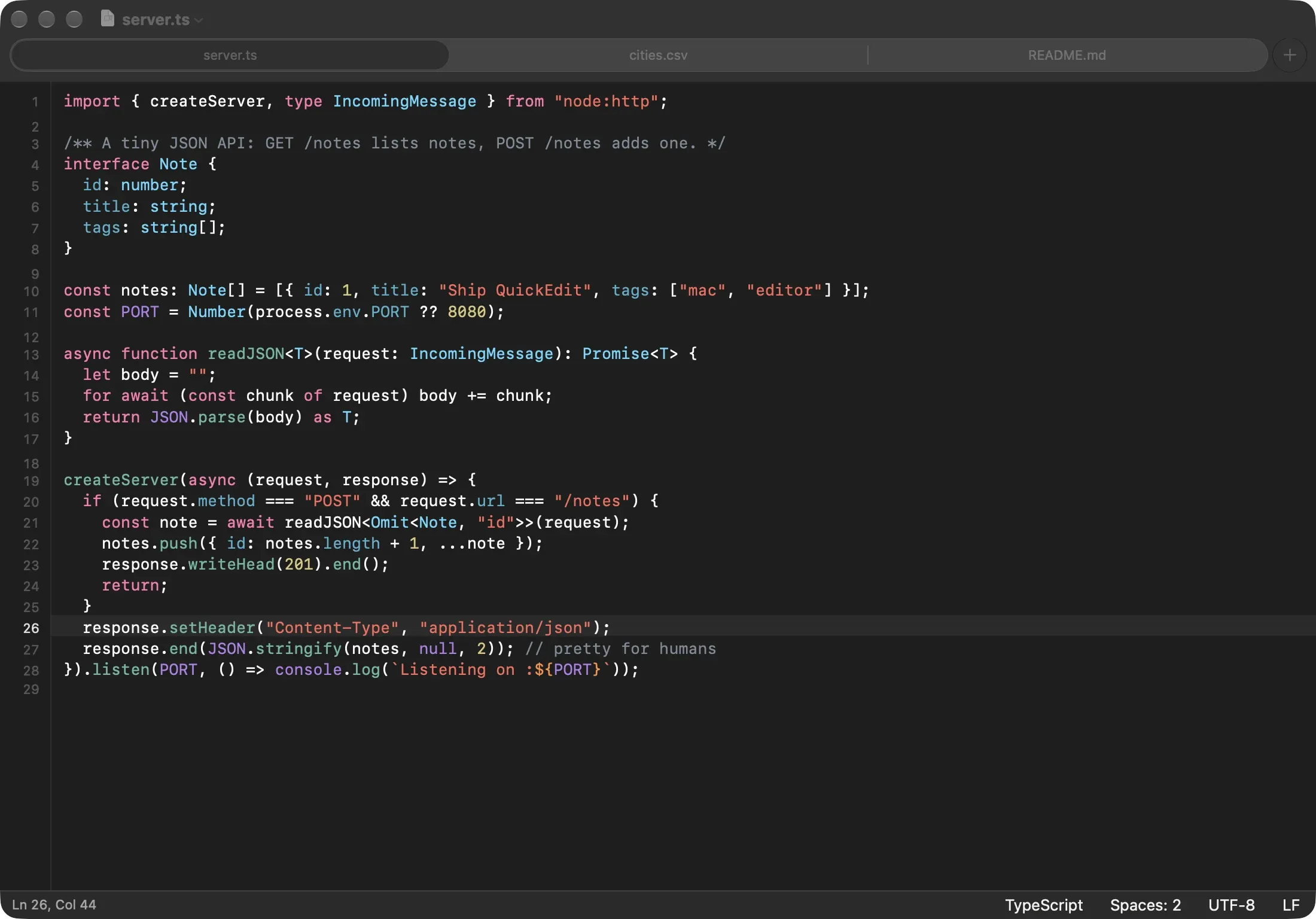
  • Syntax highlighting with tree-sitter for dozens of languages, with code folding.
  • Safe edits. Encodings, line endings and indentation are kept, and invisible characters are always marked.
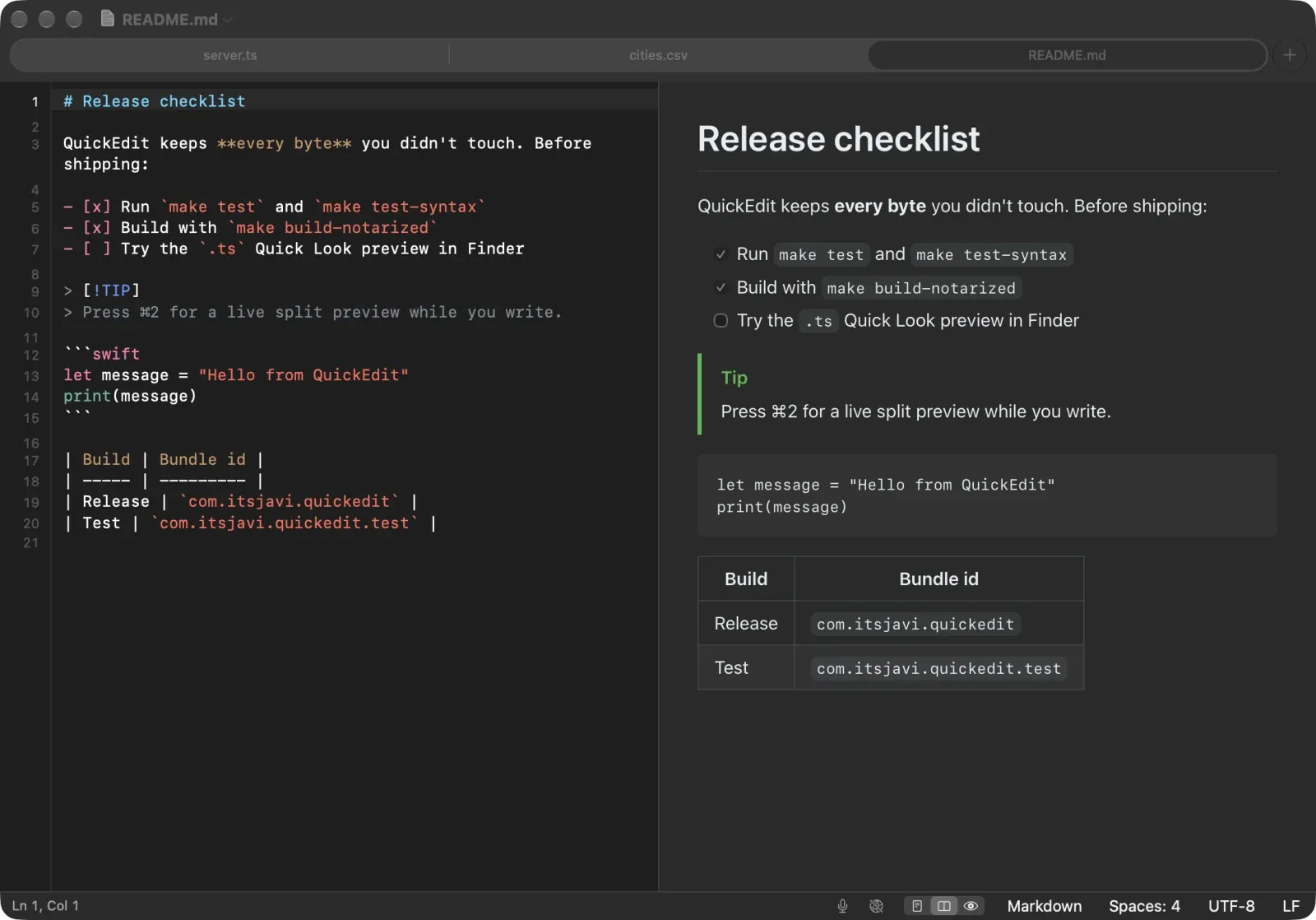
  • Markdown and HTML preview, live from unsaved edits.
  • CSV and TSV table mode, and big files that stay fast.

What's new in 0.3.0

QuickEdit 0.3.0: more languages, file icons, and big files that stay fast.

  • 29 more languages: C, C++ and Objective-C (.h headers told apart by content), C#, Java, Kotlin, PHP, Ruby, Lua, Dart, Zig, PowerShell, SCSS, Less, Sass, Vue, Svelte, GraphQL, Protocol Buffers, Terraform/HCL, Nix, SpiceDB schemas, Metal and GLSL shaders, CMake, and Xcode .xcconfig, .strings and .pbxproj, all with code folding.
  • File icons: the folder sidebar and Quick Open show Material Icon Theme icons for files and folders, in light and dark (or Finder's, in Settings › File icons). Lumiose components get a lit orb.
  • Large files: typing stays fast in a 300 MB CSV, a 15 MB JSON or a minified one-line file; files open at once and colour in the background; highlighting now covers files up to about 16 MB.
  • Folders: opening files no longer slows down while something (a build, an agent) changes files in the folder, and new tabs open faster.
  • Tabs show a dot for unsaved files; typing after a save marks the file edited again.
  • Sidebar names use the sidebar's full width; wrapped lines no longer run past the edge after switching light and dark.
  • Table mode is limited to CSV/TSV files up to 25 MB for now.