 Javi Aguilar
Version2.0.3Oct 12, 2026
PriceFreeNo sign-up
LicenseMITOpen source
Size< 50 MBDownload
RequiresmacOS 26Apple silicon
CategoryGraphics and design
 +3
+3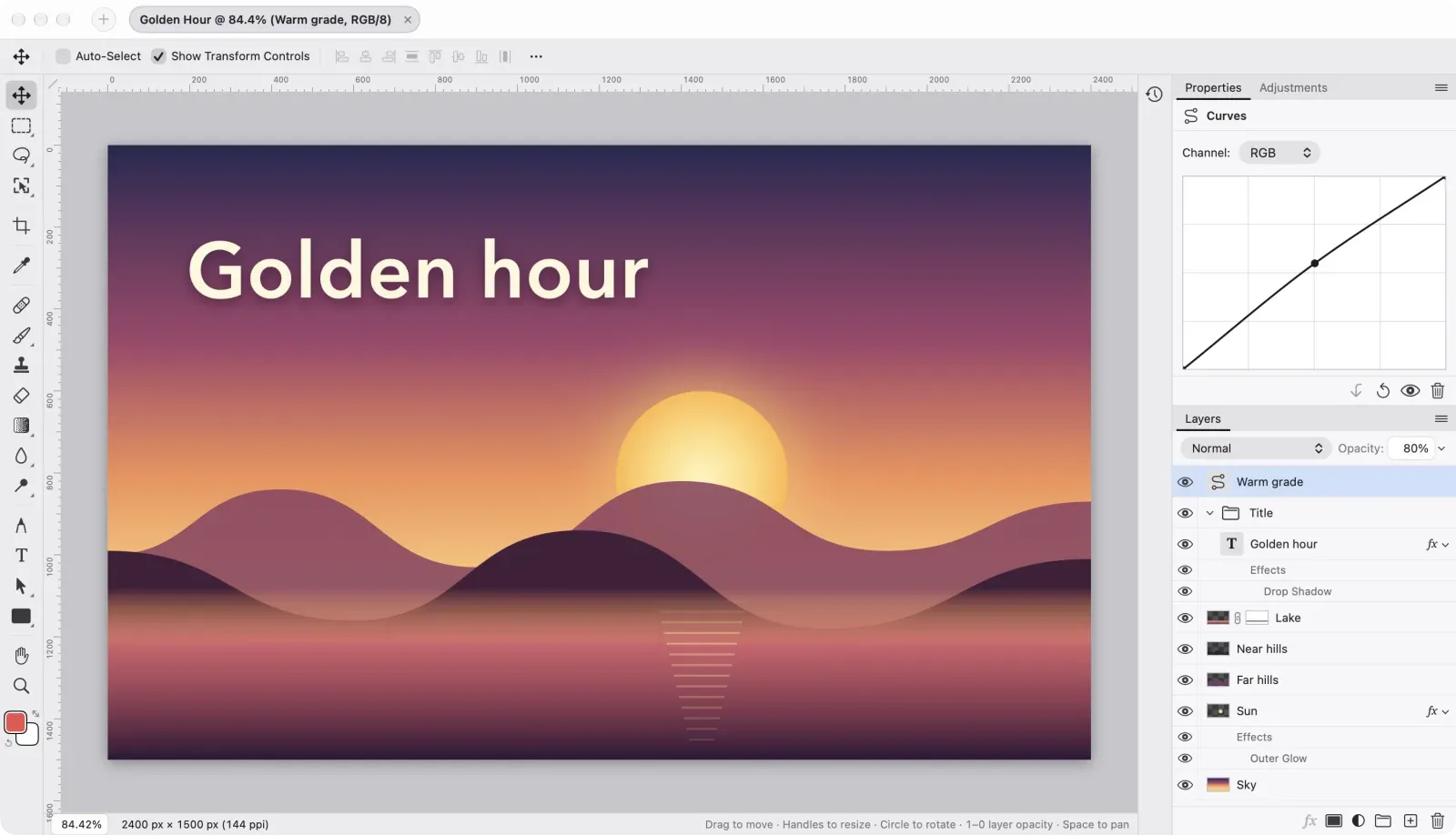
 +1
+1About Lamina
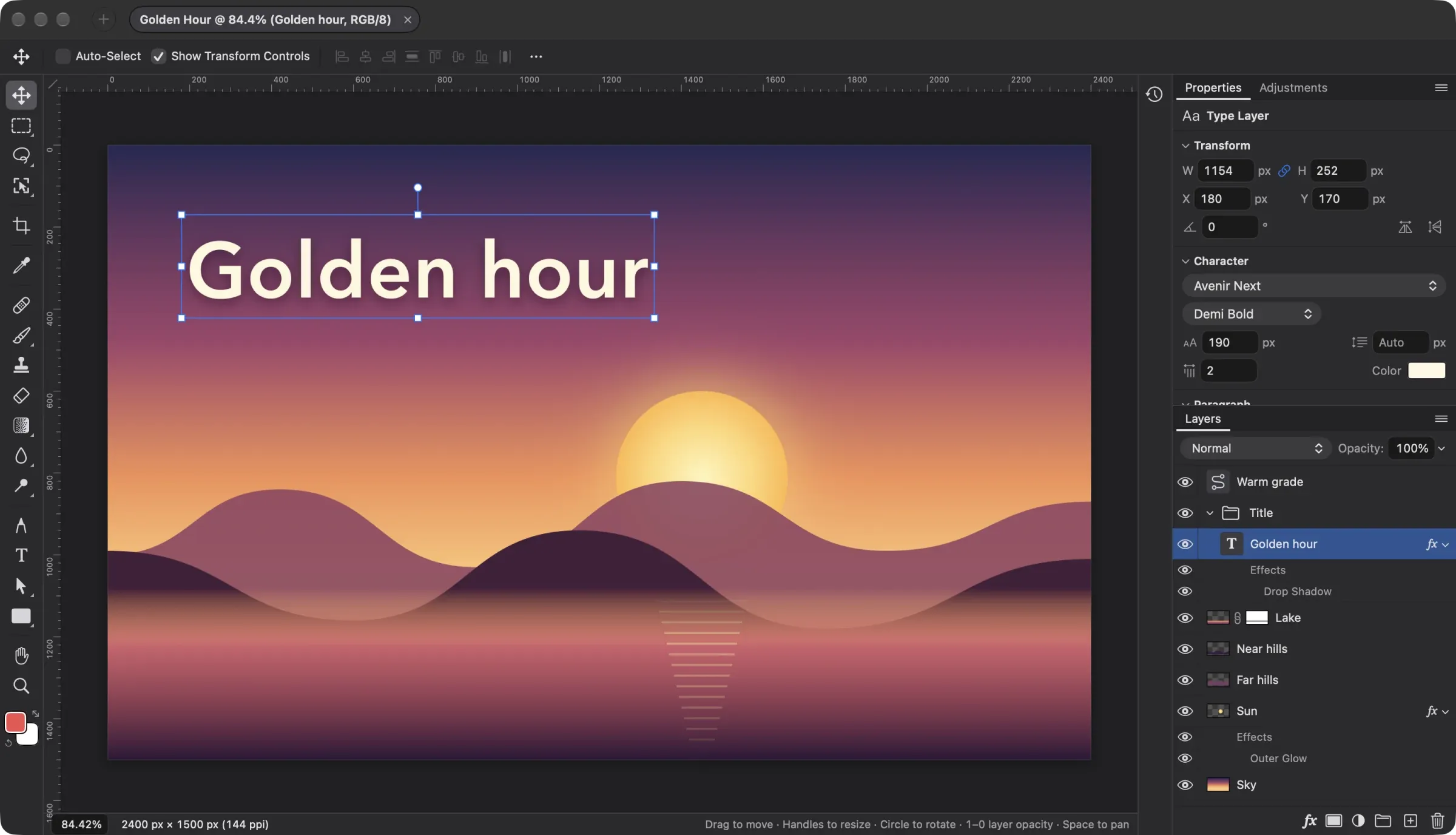
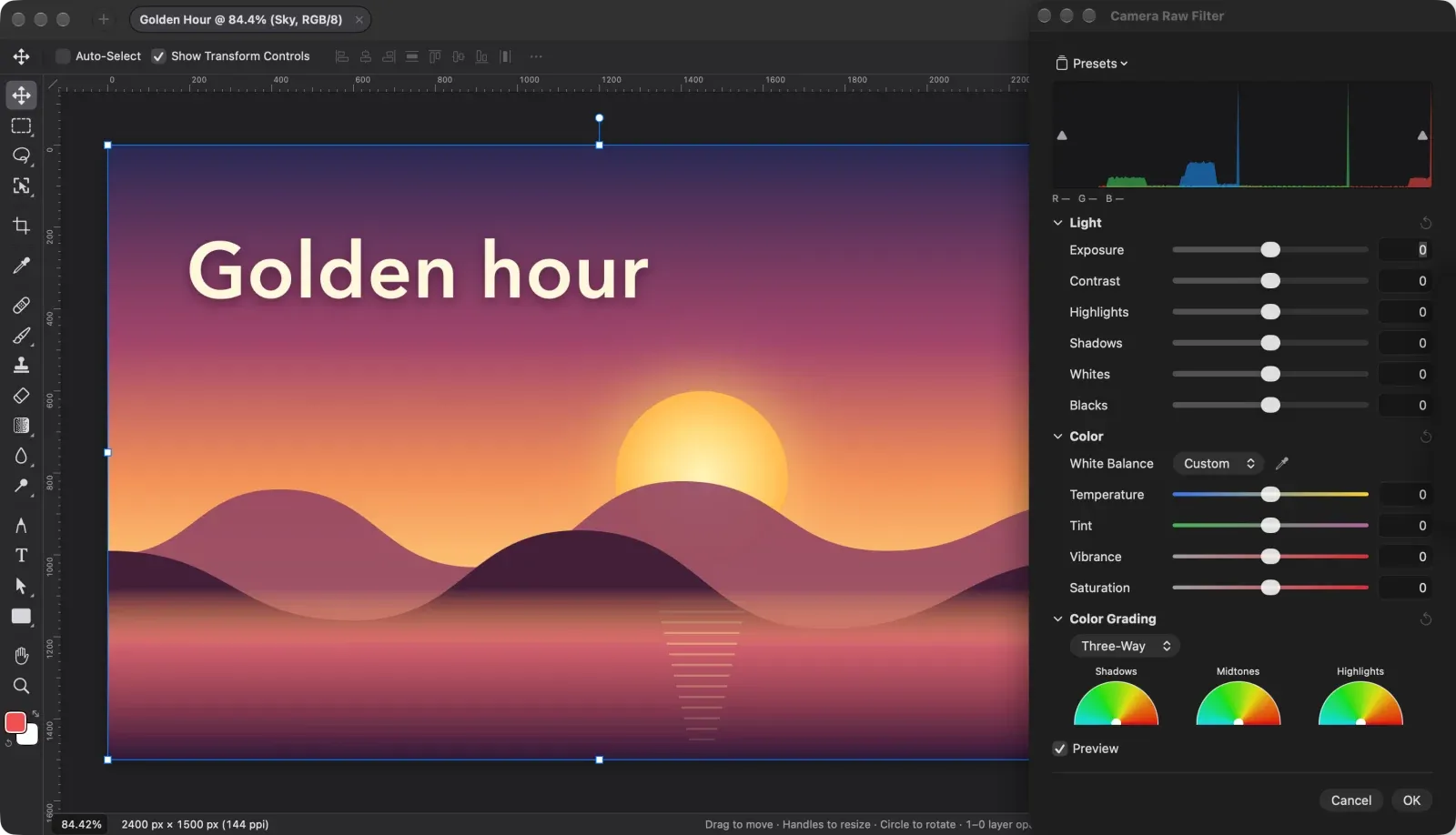
Lamina has the layout you know from Photoshop and Affinity: tools on the left, the options bar above the canvas and panels on the right, with commands under the names and shortcuts you’d look for.
- Layers and groups with blend modes, layer masks, clipping masks and layer styles.
- Adjustment layers edited live: Levels, Curves, Exposure, Hue/Saturation, Color Balance and more.
- Free Transform, distort, snapping, align and distribute.
- Selections including Object Selection, Select Subject, Color Range and Content-Aware Fill.
- Works with AI agents through the
laminacommand-line tool or as an MCP server.
Signed and notarized by Apple, and it updates itself.